
The Digital Front Door Built for the Entire Patient Journey
Medrics gives hospitals a branded digital front door that connects access, communication, navigation, check-in, care information, and follow-up.
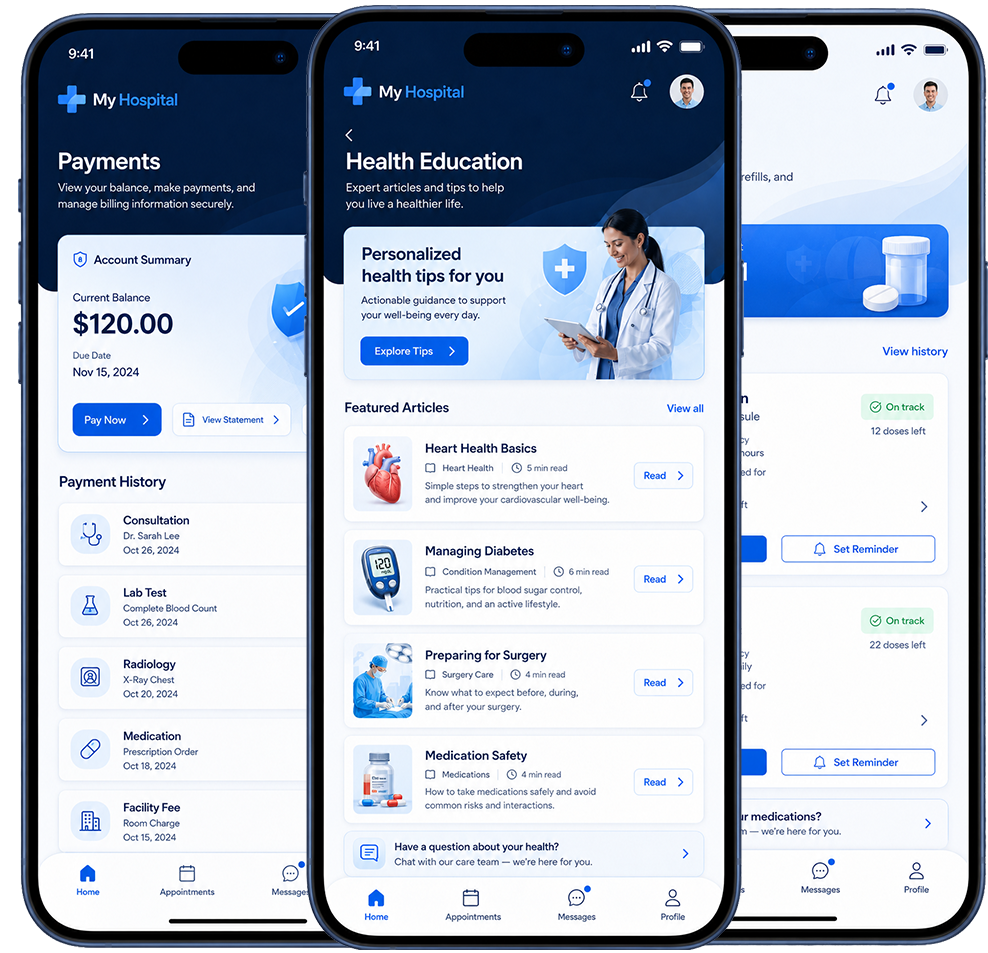
Reminders, forms, and visit guidance.
Guide patients to the facility and entrance.
Trigger digital check-in and queue workflows.
Keep patients informed during the visit.
Share next steps, results, and instructions.
Send PROMs, surveys, reminders, and care tasks.
Across every step of the journey
Pre-appointment
Help patients prepare with reminders, forms, directions, education, and appointment information.
Arrival
Guide patients to the right facility, parking area, entrance, department, or clinic.
Check-in
Enable digital check-in, queue visibility, and location-aware arrival workflows.
Appointment
Keep patients informed with waiting time updates, service guidance, and communication.
Discharge
Share next steps, results, medication reminders, payment links, and pharmacy information.
Follow-up
Automate surveys, PROMs, reminders, and clinical pathway engagement.
See the workflows in action.
Three core workflows that show how Medrics connects the patient journey — from arrival to care, and from complaint to resolution.
Digital Front Door Workflow
A connected digital experience that guides patients seamlessly from the first reminder to long-term follow-up.
Patients receive automated reminders and complete digital intake forms before their visit.
Turn-by-turn directions to the facility with parking info and entrance instructions.
Patients check in digitally and join the virtual queue with real-time wait updates.
Receive visit updates, education, and care guidance throughout the appointment.
Access results, discharge instructions, and pay securely online in one place.
Complete PROMs, receive reminders, and stay connected with the care team.
Enterprise-grade security and integrations delivering a seamless experience across the full care journey.
Location-Aware Arrival & Check-in Workflow
Smart, location-aware automation that guides patients from the road to care — keeping them informed and your front desk ahead.
Patient books and receives full appointment details including location and what to bring.
Automated reminder with directions and what to expect sent at the right time.
GPS geofence detects arrival and notifies the care team in real time.
Patient receives a secure prompt to check in on their phone — no front desk needed.
Real-time queue position and wait time keeps patients informed and calm.
Care team is notified and patient is guided to the right room or clinician.
Connected Operations Workflow
Intake to resolution — seamlessly connected across the tools your teams already use.
Patients easily submit feedback through the Medrics Digital Front Door.
Categorised and routed to the right team based on rules and context.
Automatically created in your system of record — no duplicate entry.
Your team manages the case in tools they already use — no new logins.
Patients receive timely updates and resolution through their preferred channel.
Bring every step of care into one branded experience.
Start with one workflow or launch a complete Digital Front Door. Medrics adapts to your organization's digital maturity.